Never miss the dates that matter.
DatePin keeps birthdays, paydays, weddings, and anniversaries pinned right on your Lock Screen — with day-of reminders and private on-device storage.
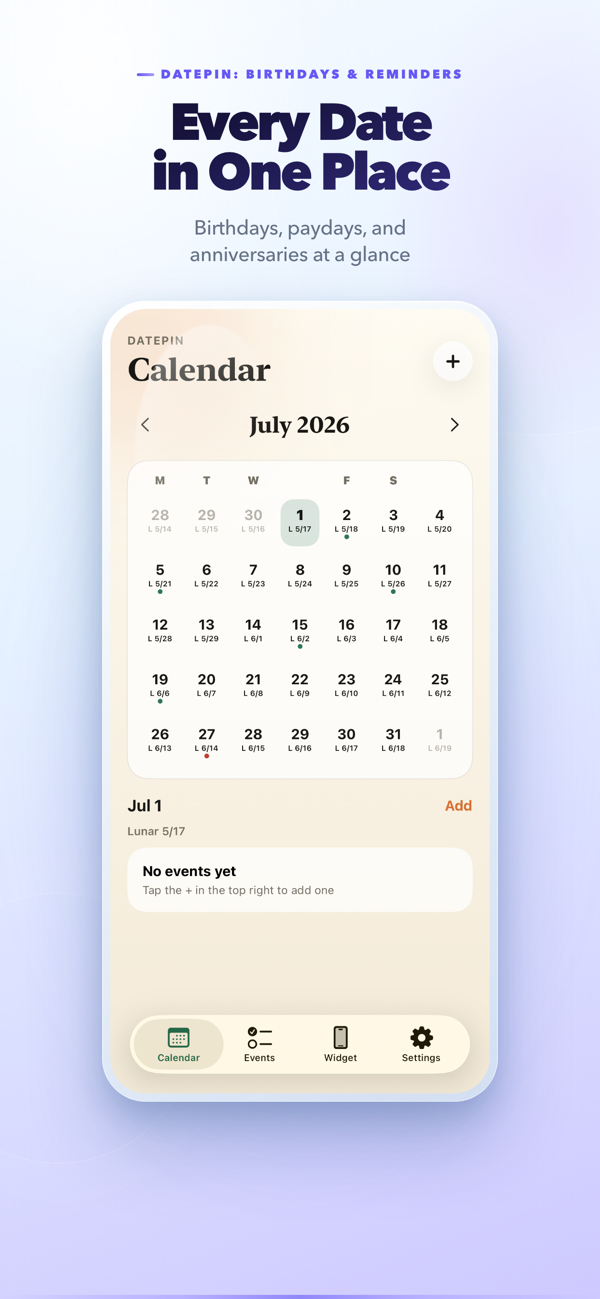
Everything a reminder app should be — nothing it shouldn't.
DatePin is built around one idea: important dates should be visible before you have to think about them.
Lock Screen widgets
See your next birthday, payday, or anniversary the moment you glance at your phone — no unlocking required.
Day-of reminders
Get a simple notification at 9:00 AM on the day of each date you save, so it reaches you right when it matters.
Private and on-device
Your dates stay on your device — nothing is stored on our servers, and no account is needed.
Built for real life
Birthdays, paydays, weddings, anniversaries, holidays, bills — one place for every date you can't forget.
Flexible repeats
Yearly birthdays, monthly payday, one-off dates — set it once and DatePin keeps it current automatically.
Home Screen widgets
Add DatePin widgets to your Home Screen too, with a countdown to your next date and a clean list of what's coming up.
A calm home for every date you can't forget.
Real screens from DatePin — the calendar, the event editor, your upcoming timeline, and the widget studio.
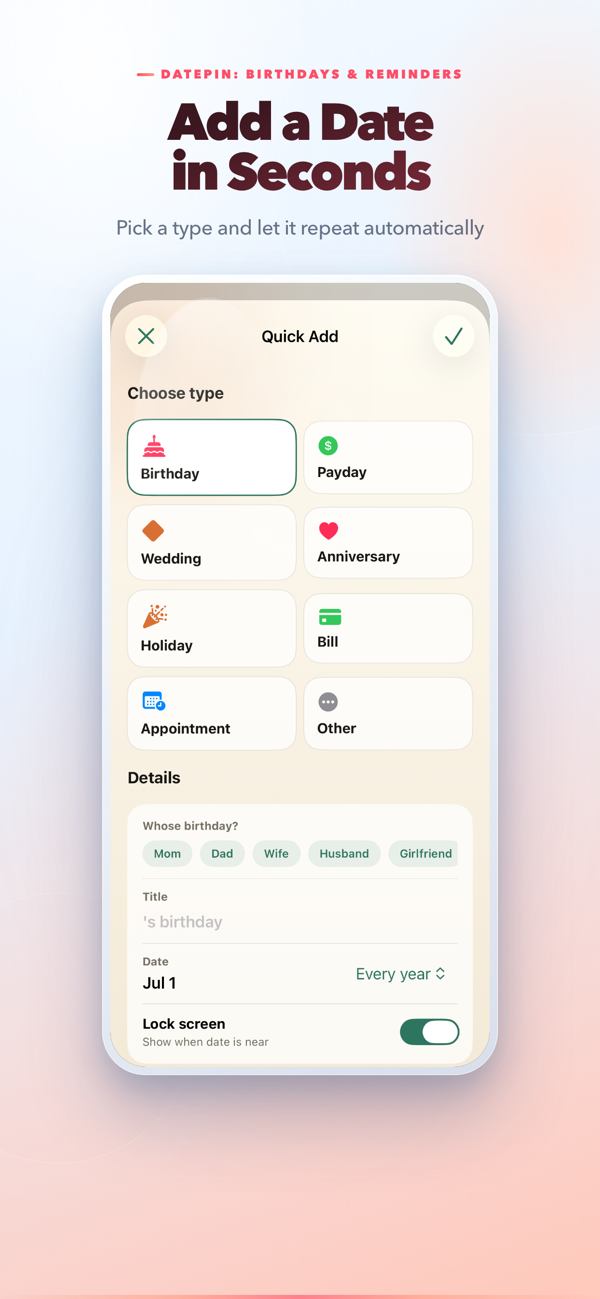
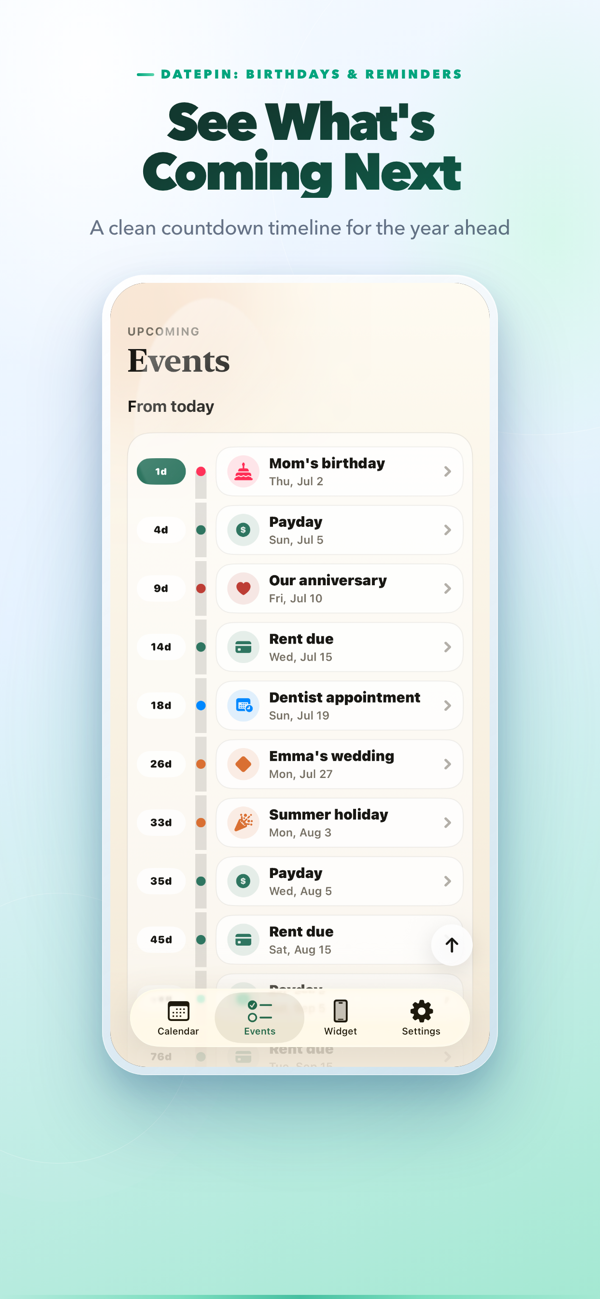

Set it up once, in under a minute.
Add your dates
Pick a type — birthday, payday, anniversary, holiday — and DatePin suggests the right repeat rule automatically.
Pin it to your Lock Screen
Preview the widget in the Widget tab, then add the DatePin widget from iOS Lock Screen settings.
Get reminded, right on time
Local notifications fire ahead of each date — no server, no login, just a nudge before it matters.
Do I need an account to use DatePin?
No. DatePin has no login and no backend account. Your dates are stored privately on your device.
Can I add a Lock Screen widget automatically?
Apple doesn't allow apps to add widgets programmatically. DatePin shows you a preview, then you add the widget from iOS's own Lock Screen customization screen.
Where is my data stored?
All your dates are stored locally on your device. DatePin does not sync event data to a server and requires no account.
Is my data private?
Your event titles and dates stay on your device. See our Privacy Policy for full details.